The firmware update was successful.
However, when I press the C key, it outputs an A#.
It’s a whole step lower. This happens in all modes.
1 Like
Loving the new firmware so far! I am trying to put some MIDI files on the SD card. What folder do they go go in?
1 Like
I updated the firmware, but for some reason there’s no response to the external MIDI controller. How do I trigger chords assigned to the M1-12 pads from the external controller? The MIDI channels are correct. MIDI in is enabled in the settings.
1 Like
Hi!
I had an issue with Cubase where KordBot wasn’t recognized as a MIDI device.
It seems the Zadig app changed the port configuration in Windows, and it showed KordBot under “Universal Serial Bus Devices” instead of the correct category (“Sound, Video and Game Controllers”)
If you’re working with Windows, check the Device Manager.
KordBot needs to appear under “Sound, Video and Game Controllers”. If KordBot is not there, Ableton/Cubase will not recognize it.
Solution that resolved my issue:
-
In Windows → Device Manager: Right-click on KordBot → Disable
-
Right-click on KordBot → Uninstall, mark ✓ for “Delete the driver software for this device”
-
Run PowerShell as Administrator
Run the command: pnputil /scan-devices -
Check Device Manager again — KordBot should now appear under “Sound, Video and Game Controllers” if now is there → your good,
Disclaimer: This information is based on personal troubleshooting experience. Every system configuration is unique. The user assumes full responsibility for any actions taken based on this guide.
I think you found the fix… thanks for this dude..
Been scratching my head about this one for windows, since kordbot just presents as a class compliant midi device.
1 Like
@bradholland I just tried this method again, I’m getting no (visible) response from KB in this process.
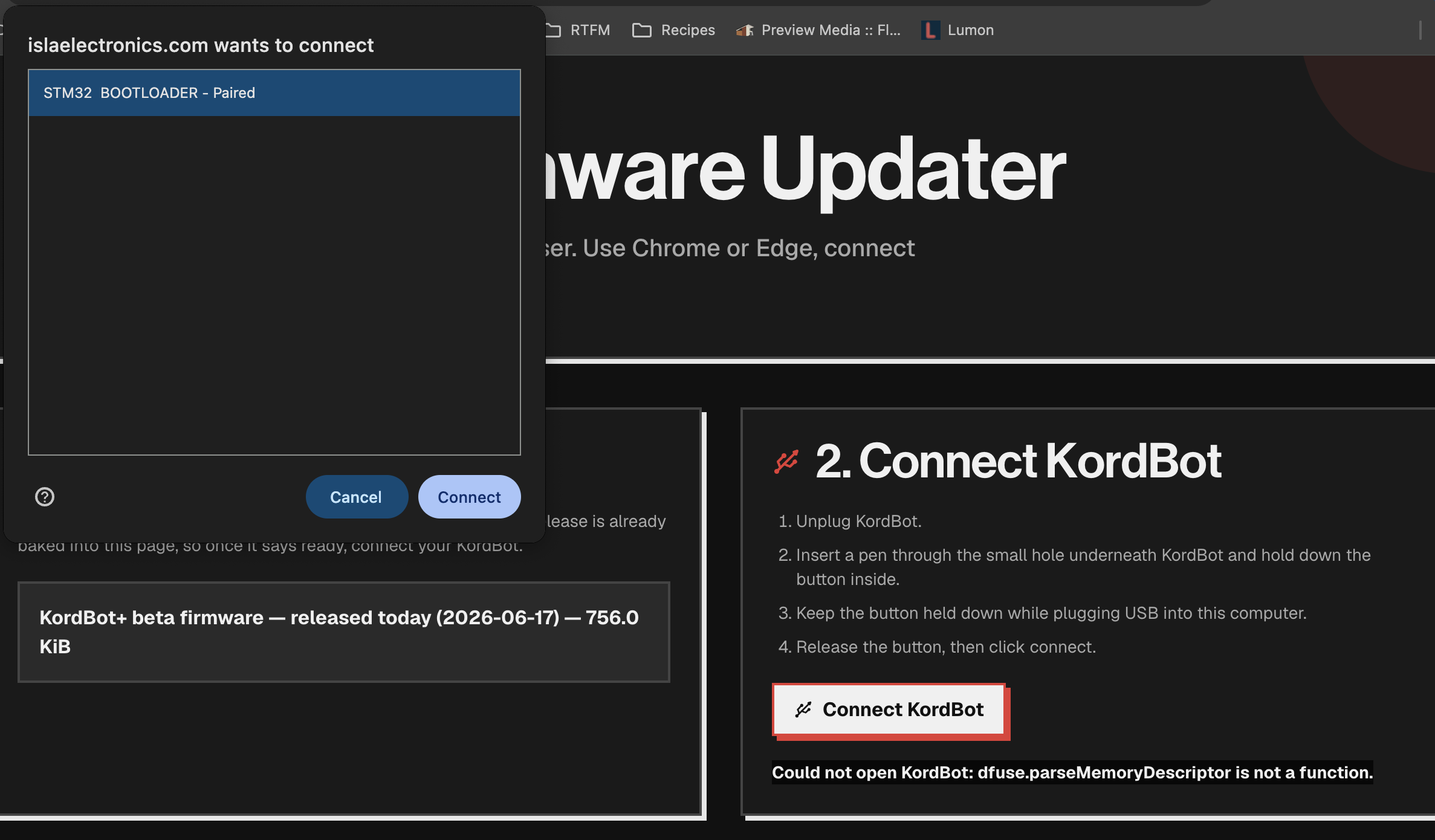
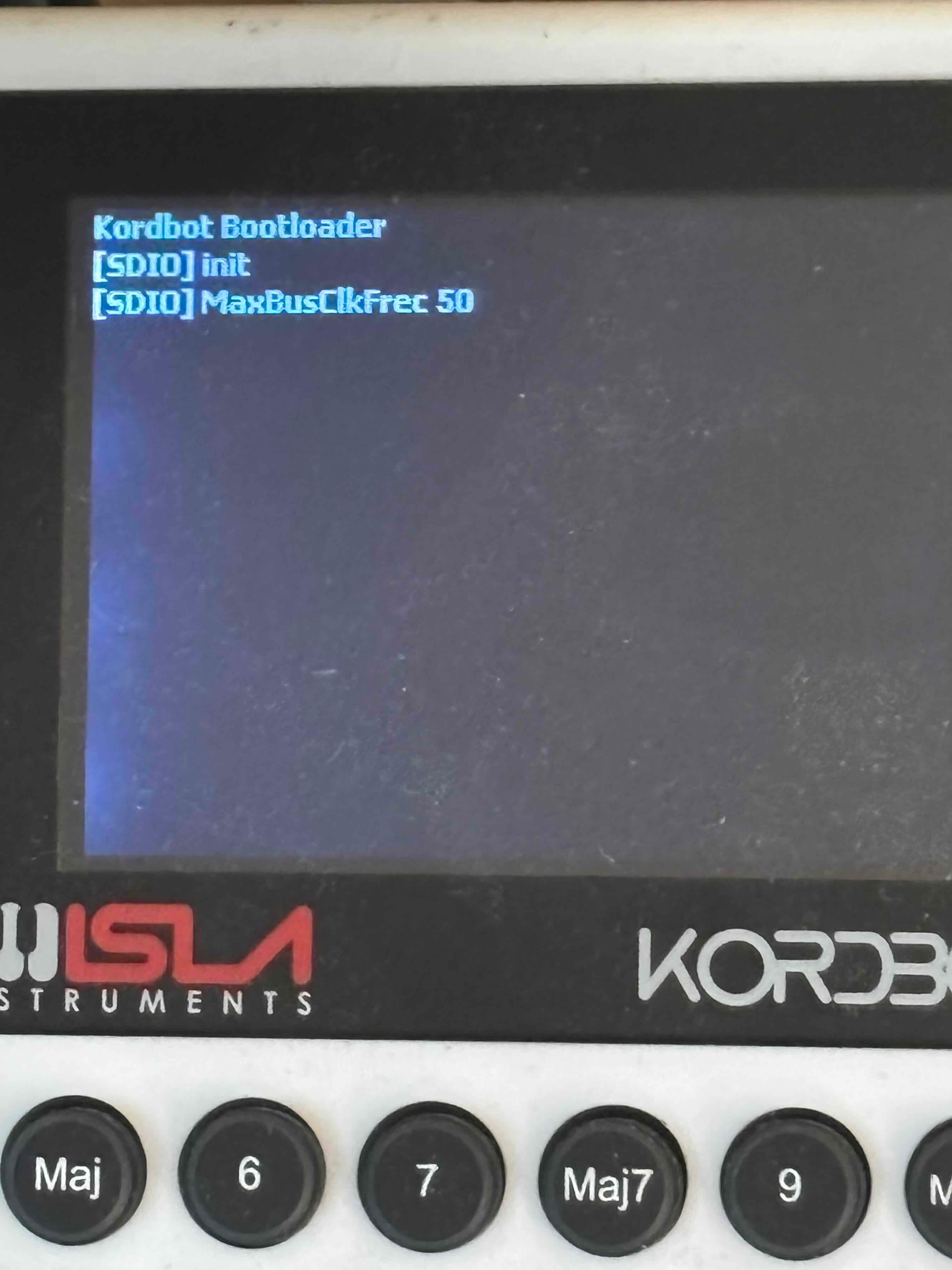
when you get that error message, refresh the web page.
this means the kordbot doesn’t have a firmware installed, just a bootloader and the bootloader doesn’t see anything on the card.
That’s peculiar. When I turn it off/on, the firmware shows; V6.3 2021/12/01. I deleted everything from the card (didn’t reformat it), put the UPF on the card and still get the same error and screen info as before. When I boot normally it works like it has for the last few years.
I held the button until after hitting connect and it worked! Thanks Brad, can’t wait to check it.
Just installed, and I’m not able to get a good clock sync - always a few bpm off, it seems. Has anyone else experienced this?
Just another vote to keep style mode; have been enjoying it.
I’ve been trying to update my unit, i get this error:
commandname is not defined.
can you please help me?
thanks!
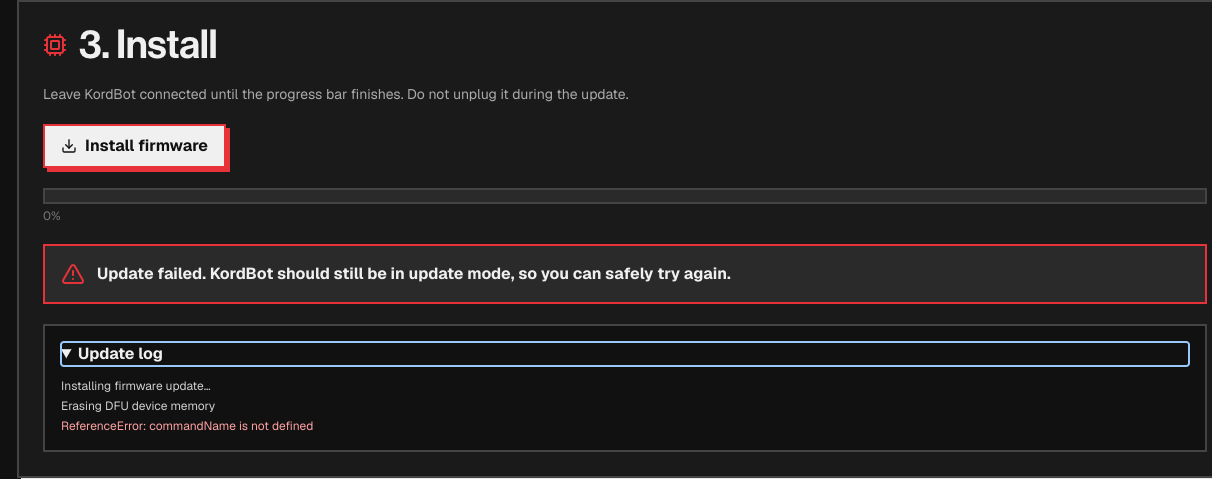
Can’t get mine to update either. I press the white button on the bottom of my Kordbot, connect the USB cable, and the Kordbot screen just stays blank. A window opened on my computer that says “islaelectronics.com wants to connect - no compatible devices found”. I am currently on beta 4.12.00 11/23/18.
Hmmm, maybe It won’t work through a USB hub…I’ll try connecting directly to my computer…
Ugh, no help. Still not found.
It should work fine. Make sure you’re using a recent version of Chrome (it’s the most reliable browser). It’s normal for the Kordbot screen to stay blank in DFU mode (after you held the button underneath).
After that, just follow the instructions on the online updater. KordBot Firmware Updater | Isla Electronics
I updated the firmware, but for some reason there’s no response to the external MIDI controller. How do I trigger chords assigned to the M1-12 pads from the external controller? The MIDI channels are correct. MIDI in is enabled in the settings. I also cannot get the m pads to take the chord memory using the alt button what am I doing wrong? or its taking the chord now but not showing there notes bering used when pressed & still no external midi triggering.
1 Like
External controller settings are now in F4 (Setup) / MIDI Settings / Ext MIDI Control. The Mem Pads will be whatever octave you set there.
What mode are you in when trying to store chords in Mem Pads? (Alt+Mem Pad is the correct shortcut)