Occasionally I’ll switch to Sample mode when Live Loops are engaged to check gain staging and whatnot. However, when I press back and go back to the Live Loops there’s no audio, I need to reopen the project, even after changing the input gain to try to reengage the audio. I’ve tended to use input gain at x10 for both Sample and Live Loops. I’m using the S2400 with DSP installed but this happens even when no plugins are on any DSP busses. Thank you.
Seems to work fine here. Can you give a more precise set of instructions that will lead to the LLs not working? You say “occasionally” so we need to try and find the exact steps that lead to this state.
I’ll experiment again to check but I’d be using a live loop, pad 1 inputs 1/2, press sample, play in sample mode, and then press back and the live loop pad would be silent. I’d press the pad itself and still no sound, I’d have to reopen the project, input monitoring was on and gain was at x10.
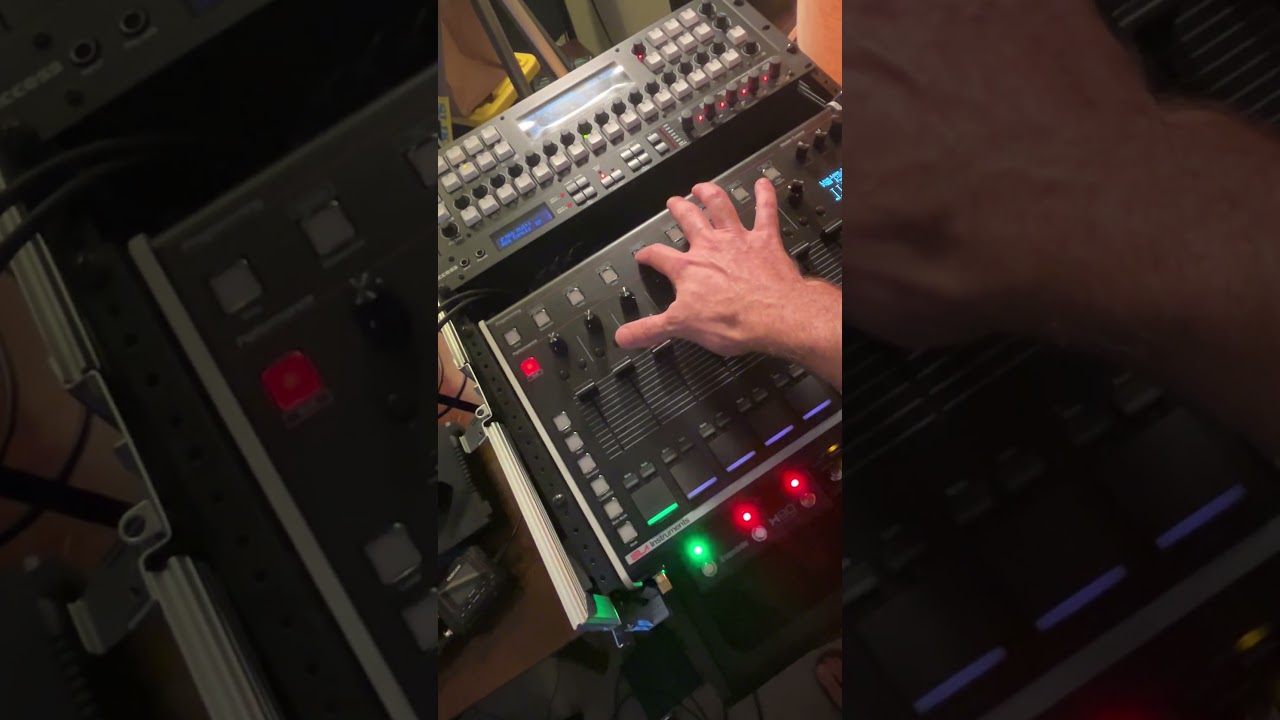
This video demonstrates what I was talking about here. When you switch back to Live Loops from Sample, the live loop pad you were previously on reverts to x1 volume, or nothing it seems, when the live loop pad is set at x10. This happens if you press “back” or “Sample” again. You therefore need to press a different pad, I’m pressing the adjacent one, to get it back to full x10 volume. If you move the fader on the pad it instead stays at x1. I’m using the newest firmware version 20260713.
Also, it seems like a similar behavior happens with Live Loops when you first turn them on or open a default project with the Live Loops engaged and monitoring already turned on. In this case you need to move the fader to be able to monitor the live loop pad. I’m going to investigate more.
1 Like
Ok, I think we found it. Thank you!
1 Like
Right on thank you!